Shopping page
Task
Create the same page as on the picture above
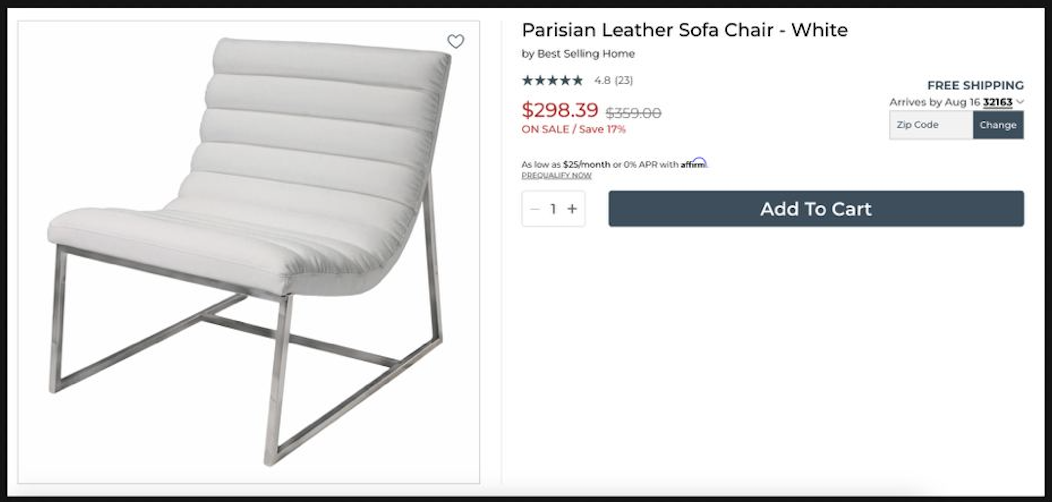
Result
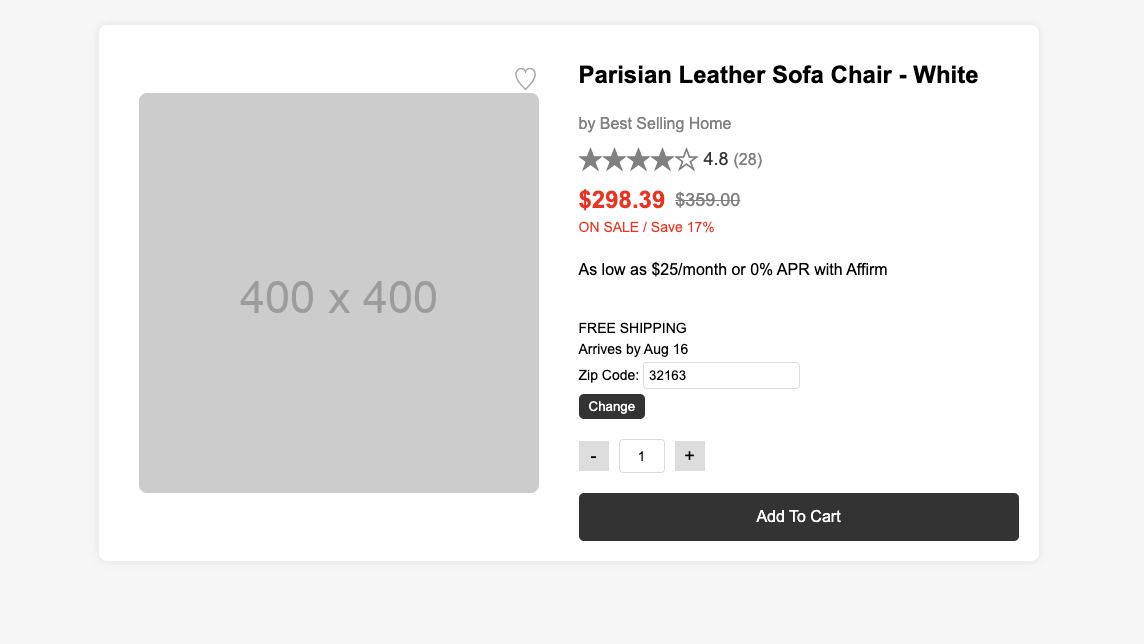
Pure HTML + CSS flexbox
<!doctype html>
<html lang="en">
  <head>
    <meta charset="UTF-8" />
    <meta name="viewport" content="width=device-width, initial-scale=1.0" />
    <title>Product Page</title>
    <link rel="stylesheet" href="styles.css" />
  </head>

  <body>
    <div class="product-page">
      <div class="product-image">
        <img
          src="https://via.placeholder.com/400x400"
          alt="Parisian Leather Sofa Chair - White"
        />
        <button id="favorite" class="favorite-button">♡</button>
      </div>
      <div class="product-details">
        <h1>Parisian Leather Sofa Chair - White</h1>
        <p class="brand">by Best Selling Home</p>
        <div class="rating">
          <span id="stars" class="stars">★★★★☆</span>
          <span class="rating-number">4.8</span>
          <span class="review-count">(28)</span>
        </div>
        <div class="price">
          <span class="current-price">$298.39</span>
          <span class="original-price">$359.00</span>
        </div>
        <div class="sale">
          <span>ON SALE / Save 17%</span>
        </div>
        <div class="affirm">
          <p>As low as $25/month or 0% APR with Affirm</p>
        </div>
        <div class="shipping">
          <p>FREE SHIPPING</p>
          <p>Arrives by Aug 16</p>
          <p>Zip Code: <input type="text" id="zipcode" value="32163" /></p>
          <button id="change-zip">Change</button>
        </div>
        <div class="quantity">
          <button id="decrease">-</button>
          <input type="text" id="quantity" value="1" />
          <button id="increase">+</button>
        </div>
        <button class="add-to-cart">Add To Cart</button>
      </div>
    </div>
    <script src="script.js"></script>
  </body>
</html>